

News
Choosing a Phone Adapter for Your Vortex Spotting Scope
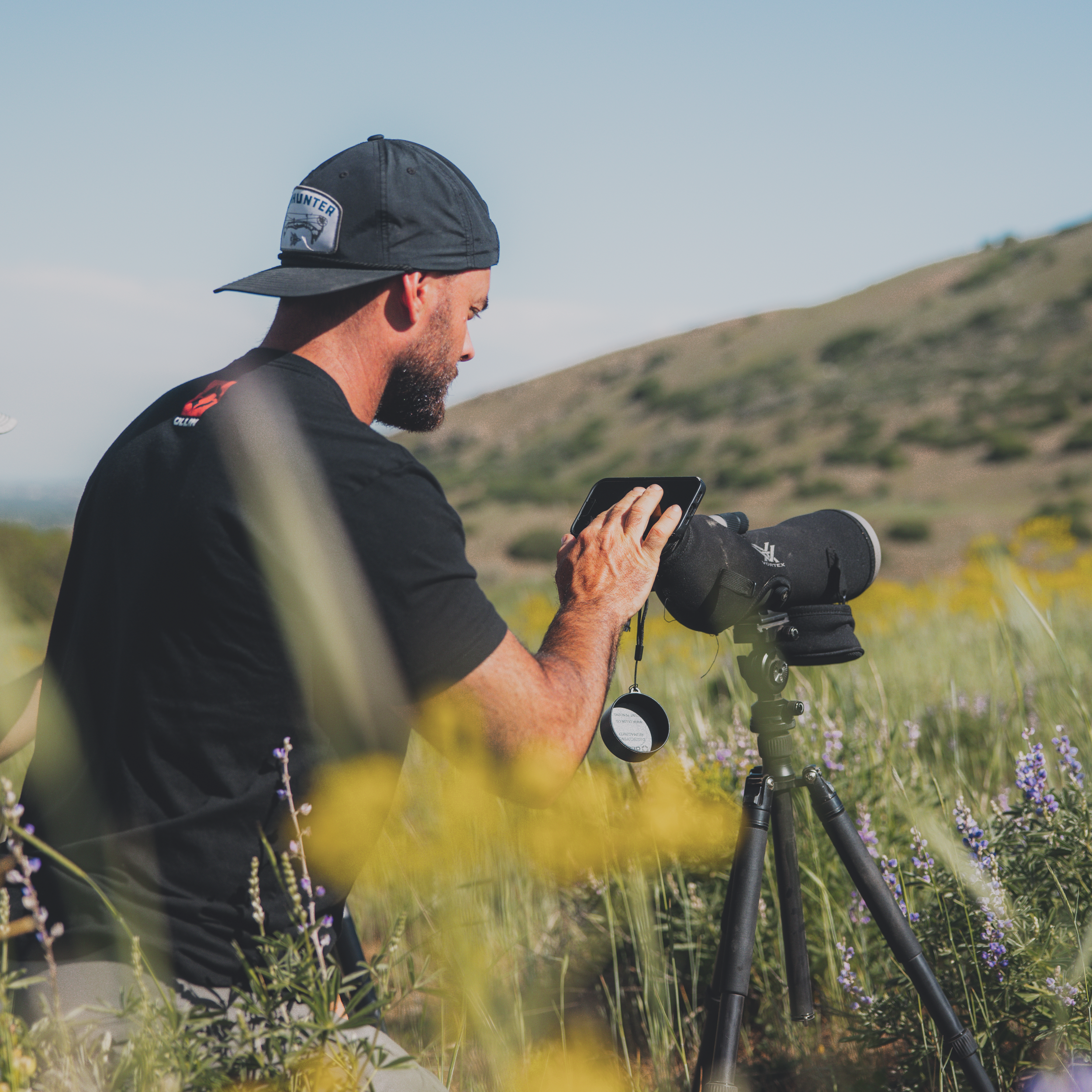
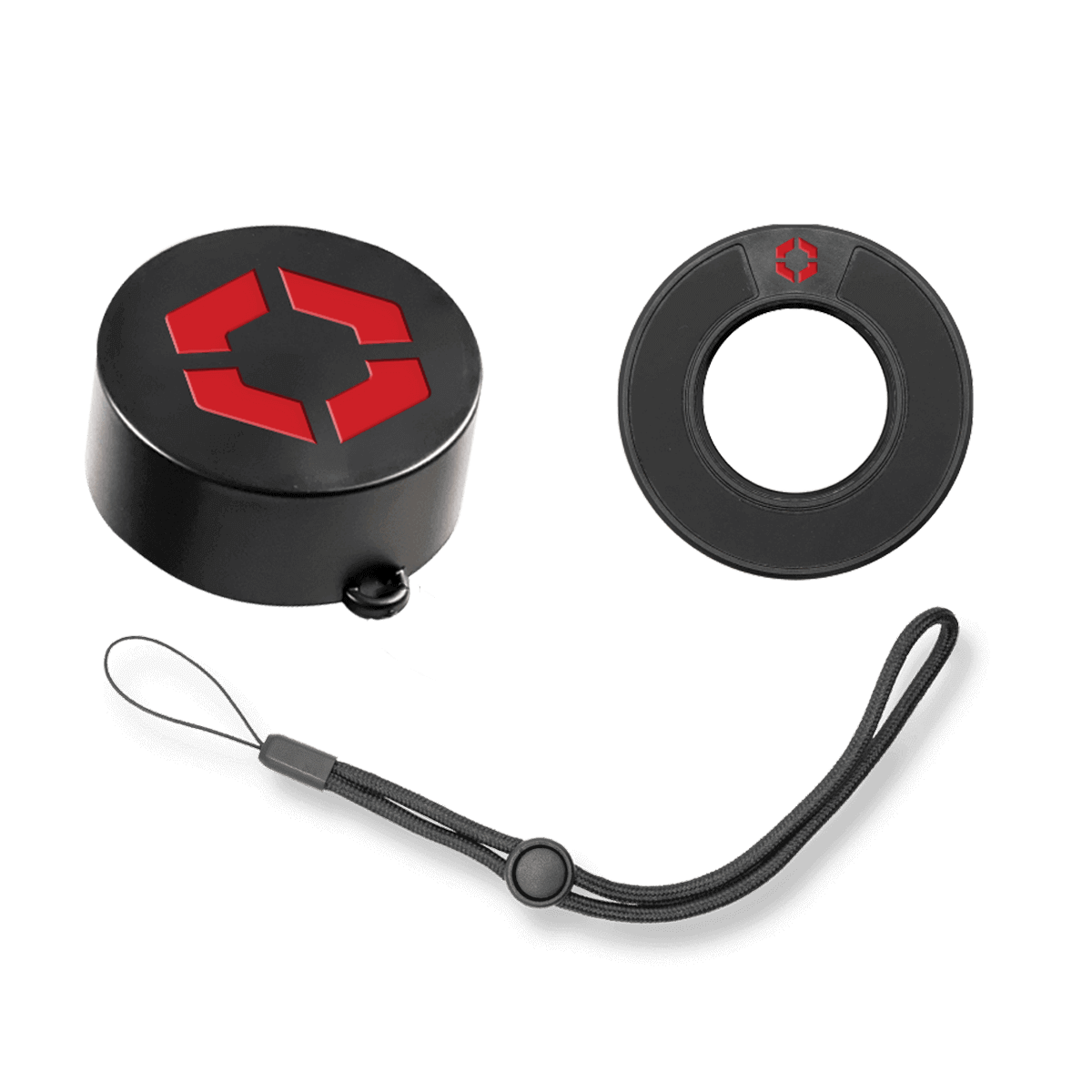
Choose a phone adapter for your Vortex spotting scope by matching the exact model, generation and HD designation to OLLIN's Snapshot Spotter Adapter selector. Then choose the original Snapcase or Snapcase Elite for your phone. Confirm both sides of the setup before ordering.
Read moreabout Choosing a Phone Adapter for Your Vortex Spotting Scope
Magnetic vs. Clamp-Style Digiscoping Adapters: What to Know
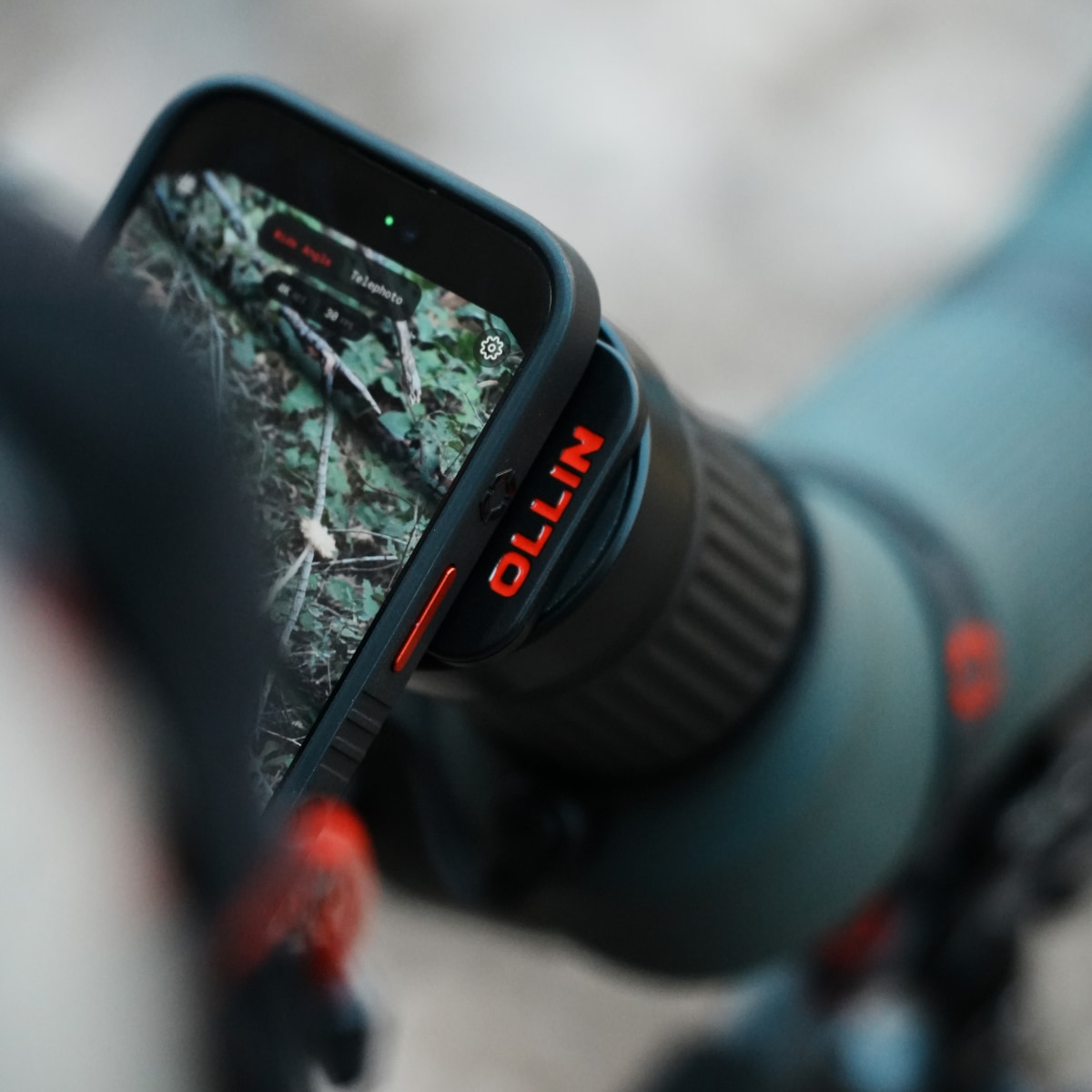
Compare how an adapter attaches to the optic and how it holds the phone. OLLIN Snapshot uses a self-centering magnetic phone connection; adjustable clamp-style holders position the camera through their adjustment mechanisms. Check fit, the complete setup and your connection routine before choosing.
Read moreabout Magnetic vs. Clamp-Style Digiscoping Adapters: What to Know
How to Take Photos Through a Spotting Scope With Your Phone
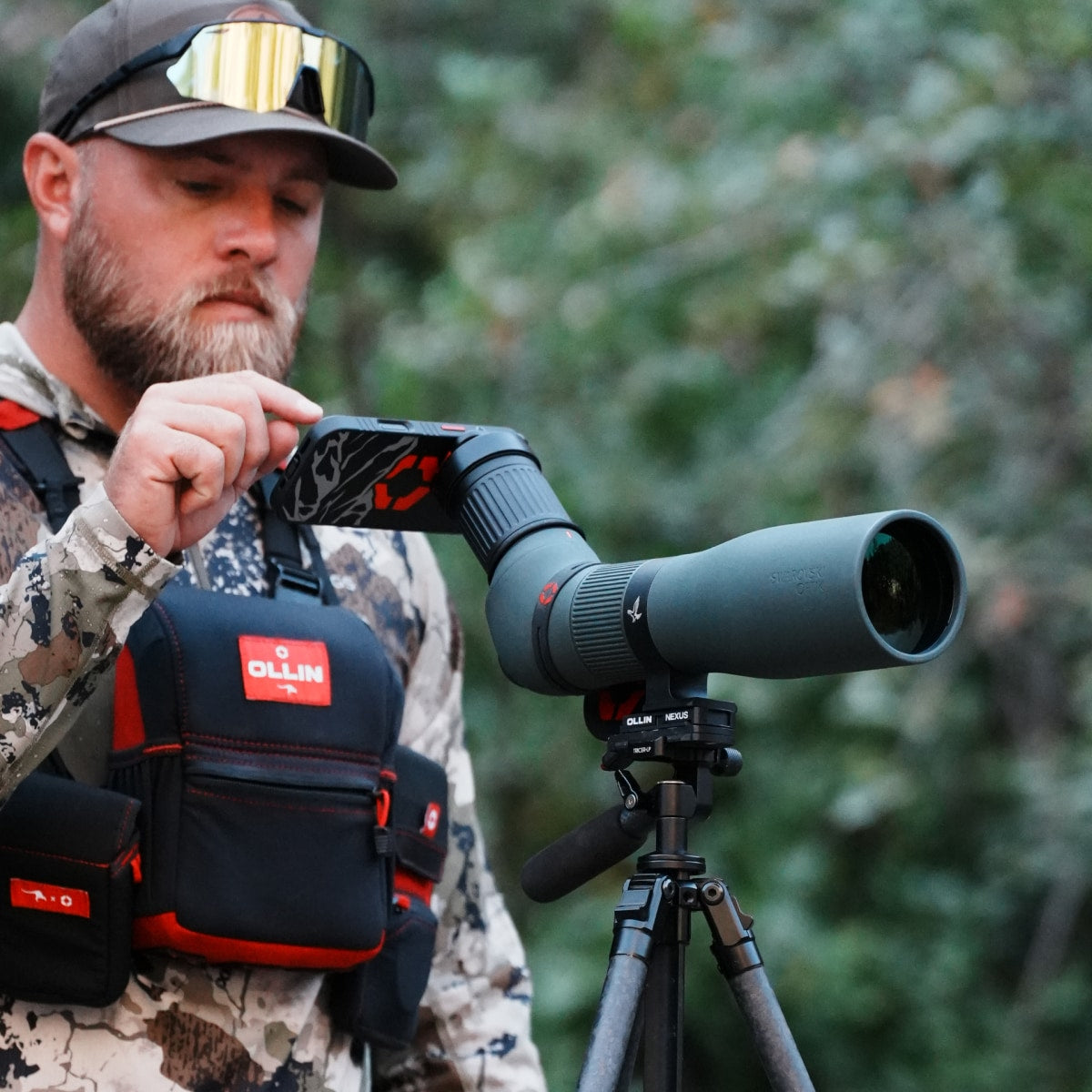
To take photos through a spotting scope with your phone, use a compatible Snapshot adapter and case, stabilize the scope, focus on your subject, connect the phone and check the active camera before capturing. The original Snapcase uses a fixed tab; Snapcase Elite uses a removable tab positioned over your chosen lens.
Read moreabout How to Take Photos Through a Spotting Scope With Your Phone
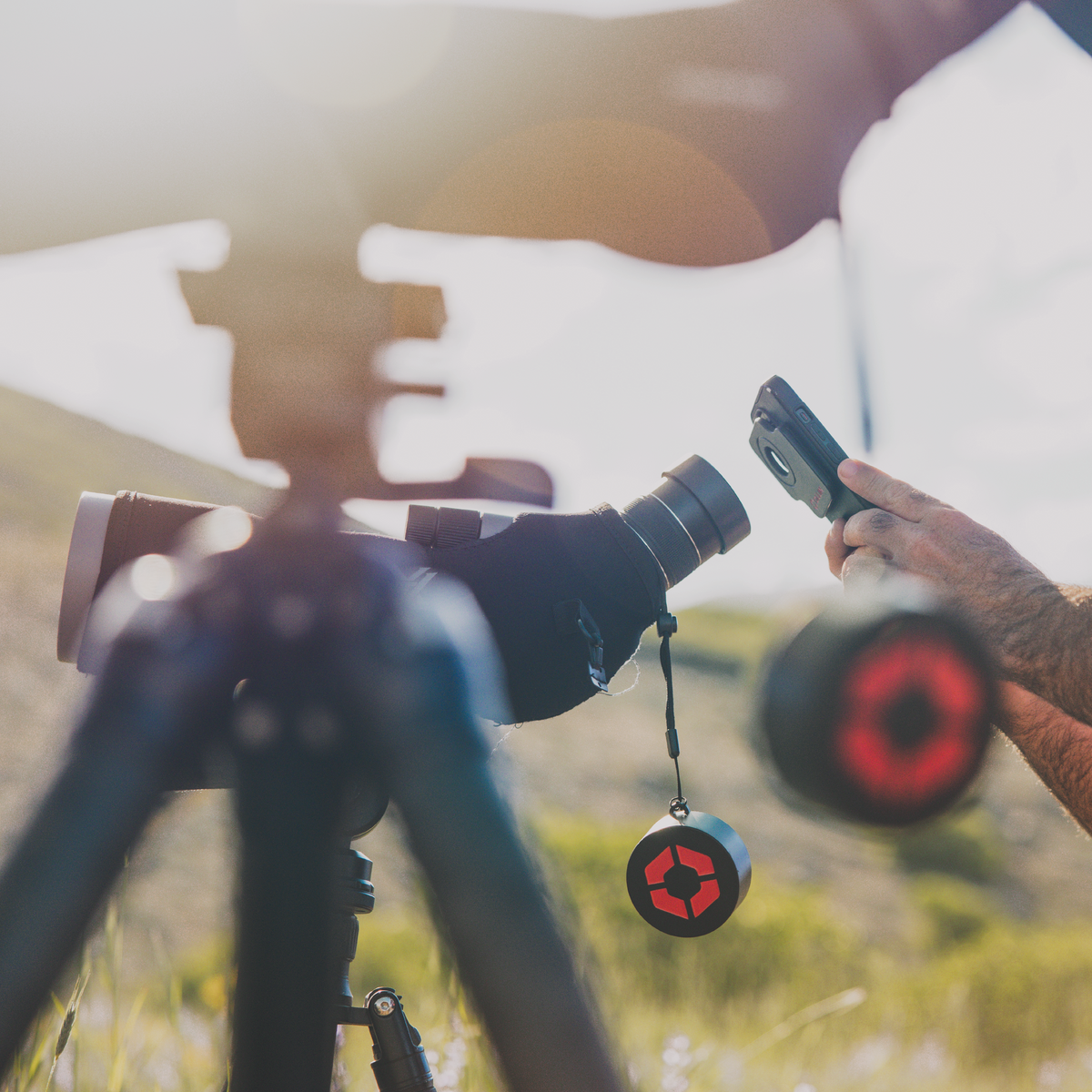
How to Choose a Spotting Scope Phone Adapter
Choose a spotting scope phone adapter by checking your exact optic and phone models, understanding how the phone connects, and confirming every component you need. For OLLIN Snapshot, start with the compatible Spotter Adapter and Snapcase, then follow the instructions for your specific setup.